How to Forward Telus Business Connect Calls to an External Number (The Complete Guide)
If you're trying to get Telus Business Connect to ring your team first, then fall back to an external number — instead of dumping calls into voicemail — the built-in settings don't make it obvious. Here's what actually works.
By TolkPilot Team
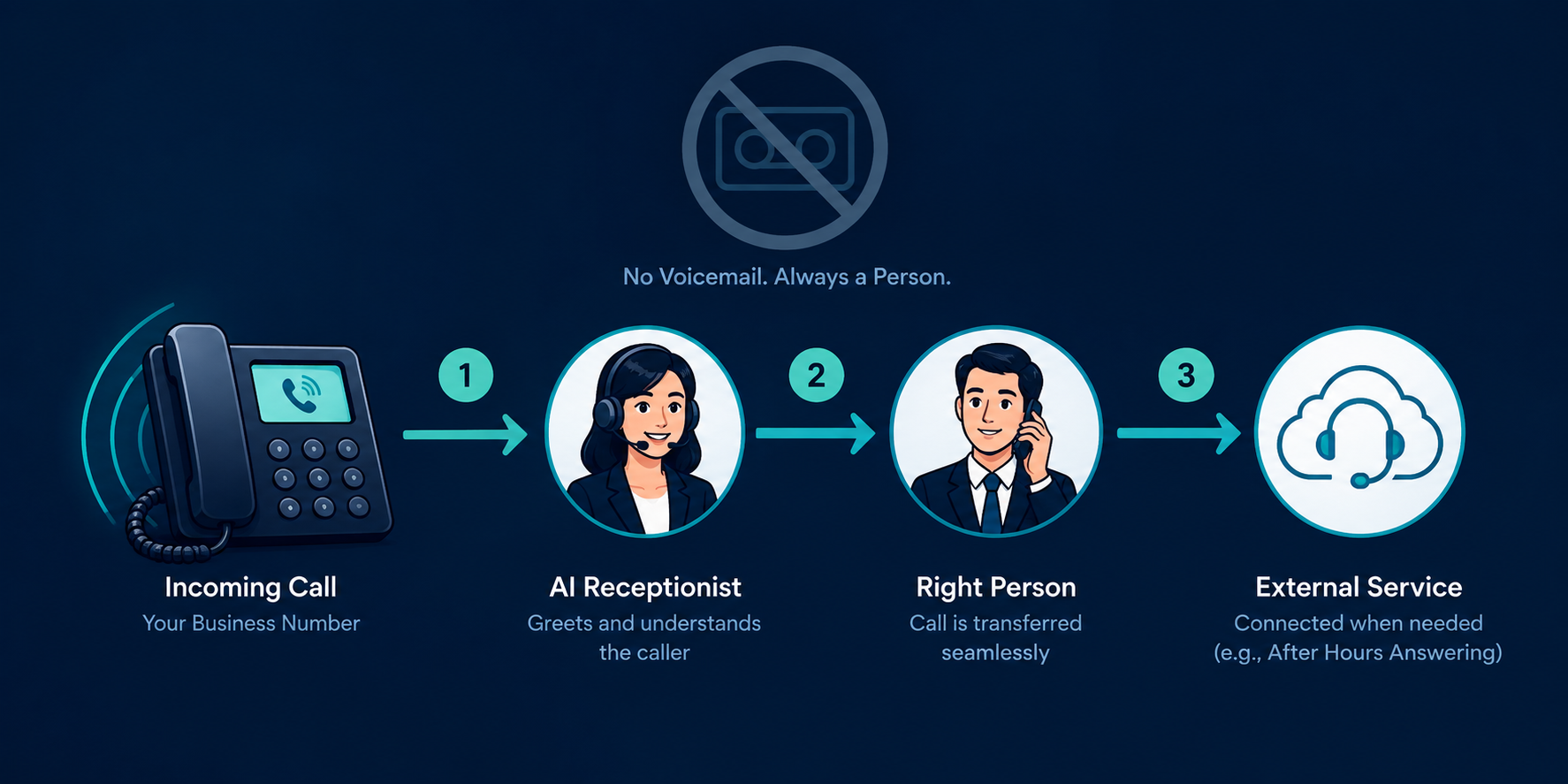
If you're trying to get Telus Business Connect to ring your team first, then fall back to an external number or service — instead of dumping unanswered calls into voicemail — the built-in settings don't make this obvious. Here's the setup that actually works, and the traps that will cost you hours if you don't know to look for them.
The Goal
A good call-routing setup usually needs three things:
- Ring a real person (front desk, or a specific employee) first
- If they don't pick up, try someone else
- If nobody's available at all, send the call somewhere useful — not into a voicemail box nobody checks in real time
Telus Business Connect (built on the RingCentral platform) can do all of this, but the pieces live in different places, and one default setting works against you the whole way.
Step-by-Step Setup
1. Use your real front desk/employee extension as the entry point — not a dummy or placeholder extension. Point your main number's Auto-Receptionist routing at this extension directly (Auto-Receptionist > General Settings > Call Handling, on both the Business Hours and Closed Hours tabs).
2. Set up sequential ring to a second employee. On that extension's Call Handling & Forwarding settings, add a fallback destination (another employee's extension) so if the first person doesn't answer within your ring timeout, the call automatically tries someone else.
3. Set the final fallback to your external number, not voicemail. Wherever the "if no answer" or "if unavailable" destination is configured, point it at the external number/service instead of leaving it on the default voicemail option.
4. Disable voicemail entirely on the relevant extension(s). This is the step that's easy to miss — see the gotcha below for why it matters.
5. Set your global working hours to 24/7. Otherwise Telus's own closed-hours schedule can override your routing outside those hours, sending calls somewhere other than the chain you just built.
6. Test end to end, including a run where nobody answers at all, to confirm it actually reaches your external number and not voicemail.
The One Gotcha That Will Bite You
Voicemail intercepts calls before your fallback logic gets a chance to run — even after you've set a fallback destination. If voicemail isn't explicitly turned off (step 4), Telus's built-in voicemail can still pick up the call first when the ring timeout hits.
To your external system, this looks like a completed, human-answered call, not a missed one — so the fallback never fires and the caller silently ends up in voicemail. Setting a fallback destination alone isn't enough; the voicemail box has to actually be disabled, or it wins the race.
Why 24/7 Working Hours Matter
Business Hours and Closed Hours are configured as two separate rule sets in Telus. If you only set up your ring-then-fallback chain under Business Hours, calls outside that window fall back to whatever Closed Hours is configured to do — which is voicemail by default.
Setting working hours to 24/7 means there's effectively one schedule, so the same chain you built applies around the clock without needing to duplicate the configuration.
Summary
The trick isn't finding a hidden "forward to external number" button — it's making sure voicemail can never intercept the call before your real fallback chain (person → next person → external number) gets to run, and making sure that chain applies at all hours, not just business hours.